





Introduction
Understand Studio, the runner and inference providers.
What vScan Studio does
vScan Studio stores targets, agent sessions, assessments, executable workspaces and findings in projects. Use it to direct an agent, start an assessment or execute code cells.
Only test systems you own or have explicit permission to assess. Scope checks do not replace authorization, network isolation or evidence review.
System components
- Workspace server: serves the web app. PostgreSQL stores organizations, projects, scope, connections, sessions and findings.
- Runner: executes agents and VEX cells in sandboxes. Connect it through Settings → Compute nodes with its URL and API key.
- Inference provider: supplies a hosted or self-hosted model. It does not supply compute. A runner connection does not supply a model.
The workspace server must reach the runner. The runner must reach authorized targets and its model endpoint. Optional local Ollama inference should use a dedicated third server.
Follow Install for the two-machine deployment. Then follow Configuration.
Organizations and projects
An organization contains your team and shared settings. A project contains work for one system. Some settings and API routes call projects workspaces. These differ from executable workspaces, which contain code cells.
Define Scope before an assessment. Record authorized assets, exclusions and available accounts. Each assessment selects targets from this scope. It does not authorize all organization assets.
Choose a workflow
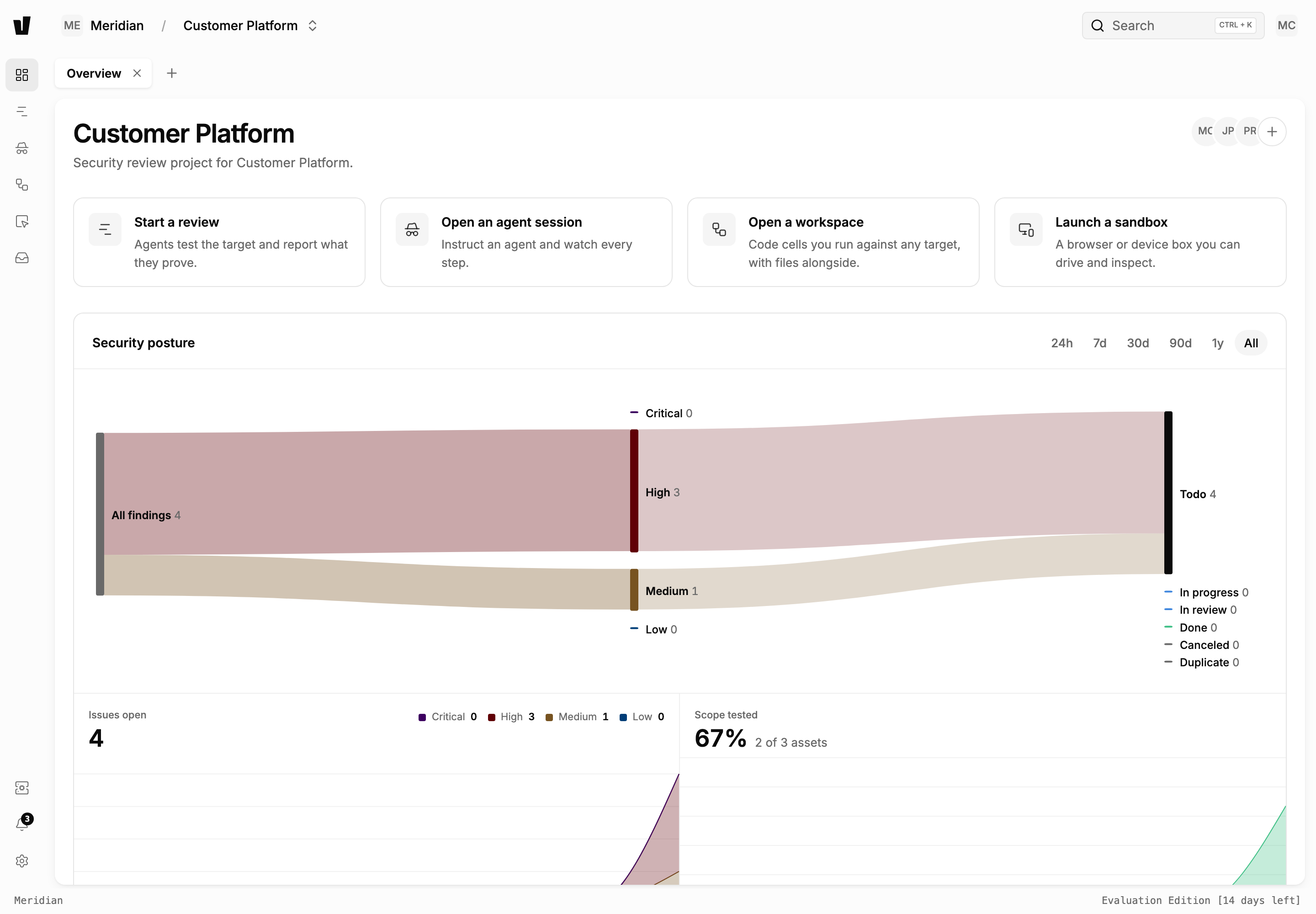
Start a review
Select Start a review to open the assessment wizard. Select targets, credentials, effort, proof and models. Then review authorization.
Source-only work becomes a Code review. A selection with a running target becomes an Offensive assessment. Studio derives access from selected source and credentials, not a separate black-box or white-box control.
See Running Your First Workflow.
Open an agent session
Select Open an agent session to direct an agent. Inspect its reasoning, tool calls and outputs. Interactive sessions can request human approval. Automated assessments use the runner’s scope reviewer instead.
See Agent Mode and MCP Integrations.
Open a workspace or sandbox
Select Open a workspace to execute code cells and manage files. The runner uses VEX: see the introduction and language reference.
Select Launch a sandbox to operate a supported browser or device environment. Execution belongs on the runner, not the database server. See CLI Usage.
Review findings
Reports link findings from the agent session. Deleting an assessment does not delete its project findings.
Check evidence, confidence, objections and verification warnings. A completed run does not prove that a target has no vulnerabilities. Results depend on model behavior, target access, provider availability and proof level.