Intake
Receive community findings using the VDP module Meld.
We build fast, customizable workflows to meet compliance and security requirements. Resolving backlogs in hours rather than days.
Select each standard above to see which modules satisfy its requirements.
EU CRA requires 6 of 8 modules.
Receive community findings using the VDP module Meld.
Static automated security analysis.
Agents prove the finding exists.
Focuses on the important issues.
Stops and waits for a human before proceeding with next steps.
Propose a solution to the issue.
Retest the exploit against new code.
Secure artifacts and documentation.
Modern workflows involve security agents finding and resolving issues. Our compact models run fully within your environment, keeping sensitive code under your control.
Agentic vulnerability detection
Benchmark score (%)
VScan Harness, 1000 samples, 2026-06-23
Higher is betterBuilt for agentic security.
Vakttårn matches frontier-model performance on agentic vulnerability detection while substantially outperforming general-purpose SAST engines and openweights models of comparable size.
Score vs. active parameters
Benchmark score (%)
 Minisøk : 59.3 on 3 billion active parameters Vakttårn : 69.2 on 6 billion active parameters
  Opus 4.6 : 71.3 on 200 billion active parameters
  GPT–5.5 : 46.3 on 300 billion active parameters
Billion active parameters (log scale)
Some model sizes are estimates from public information.
Top left is bestA mini-size with mighty performance.
With 50x fewer active parameters, our models run locally on laptops, workstations, and small servers, while your code stays within your network without sacrificing detection performance compared with cloud models.
We built our tools to fit in just about every environment, from a single laptop to a cloud deployment.
Connections wherever you work
These tools and workflows are connected through triggers on your device and in the cloud. For example, vscan allows your agent to initiate our code review process using the MCP protocol. If activated, a Vaktex Cloud trigger can execute remote workflows on new VDP reports or examine your code whenever you send a Slack message.
Local and cloud deployments
Don’t want your IP leaving your devices? We let our customers deploy our models locally and efficiently through our inference engine, VSecure. This means your model can run on your laptop or server without any of your code leaving your network.
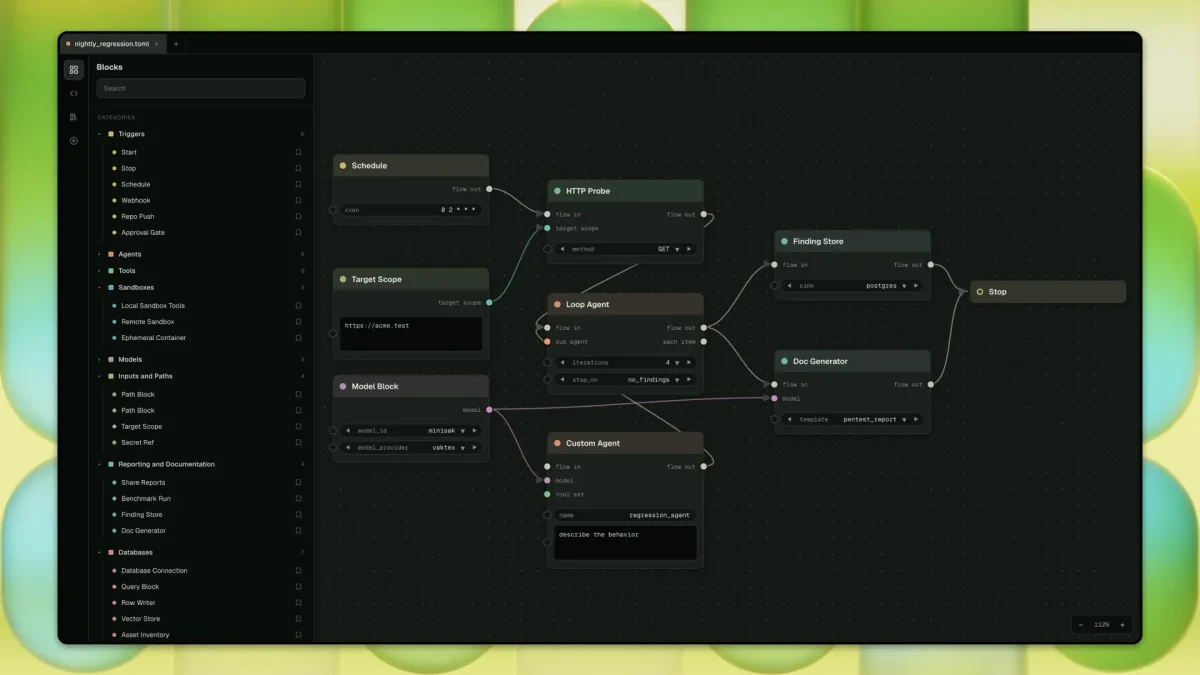
Instead of giving you tickets accross multiple systems, we give you one flow that collects, triages, and resolves your findings.
Reduced resolution backlog
For every finding, we identify its root cause and provide strong integrations between tools, so your reports identify, propose, and implement possible solutions with you, without any of your code leaving your device.
Many reports, one workflow
Maintain your existing workflow regardless of the source of your security reports. We’ve optimized the process to seamlessly collect data from automated tests, VDP, and manual tests, integrating them as if they were a single system, all without the need to switch platforms or tools.
Build flows tailored to your team’s needs, while exporting the nessary artifacts to satisfy your auditors and regulators.
Endlessly extensible
Our tools are designed to be modular and extensible, allowing you to create custom security workflows and integrations that connect to our growing ecosystem and fulfill your team’s and auditors’ requirements.
Reporting at all levels
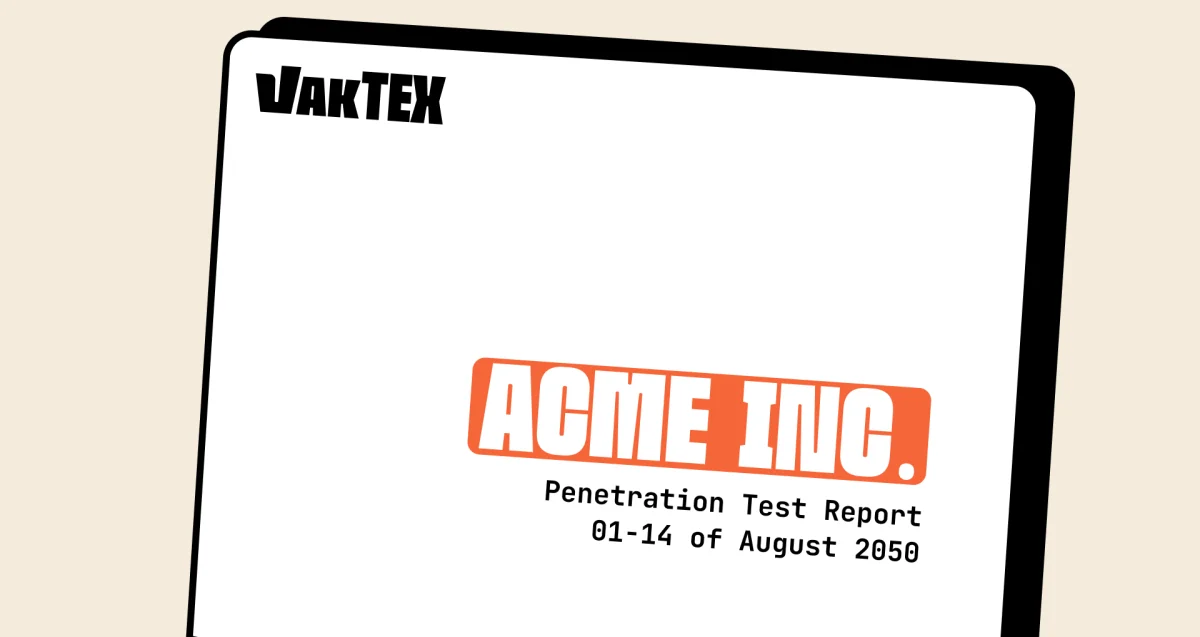
Our services provide unmatched visibility into your security posture through automated reporting and resolution technologies. However, we understand that some reports require a human touch. This is where our industry experts step in to find, validate, and prepare audit-ready reports to meet your industry’s standards.
Product improvement, usage metrics and internet access can each be switched off, in the cloud and on-prem. The switches shown on this plate are an illustration, not a control.

SOC 2 Type 1
In progress

GDPR
In progress

CASA Tier 2
In progress
SOC 2 Type 2
In progress
We selected the name Vaktex as a blend of three concepts reflecting our company's mission and roots. “Vakt” is the Norsk term for a “security guard,” symbolizing both the detection and protection our services provide. “Vak” in Norsk means “awake” in English, describing vigilance against current threats through our ongoing model updates. Lastly, “Tex” is for Texas, where our product was created.
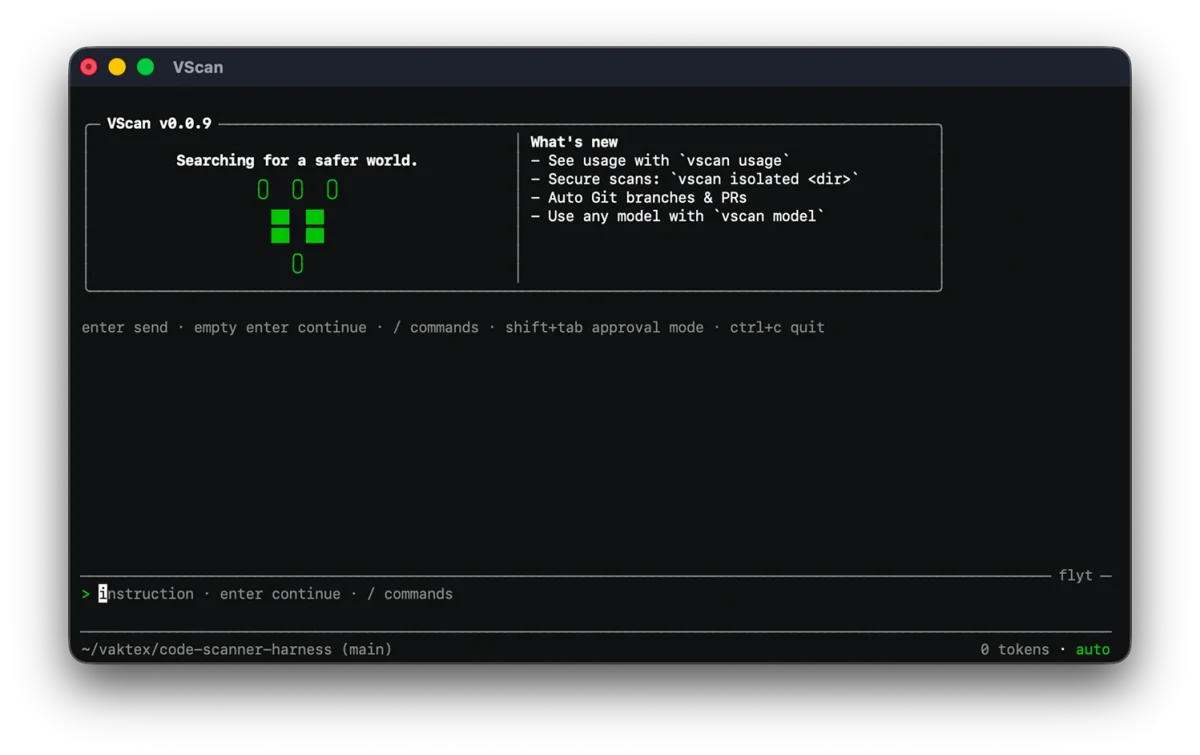
VScan is our premier security automation tool. It analyzes your code beyond syntax, leverages advanced models to detect vulnerabilities, and provides a secure, isolated environment for agentic resolution.
The easiest way to get started is to read the intro.
Yes, the vscan client runs locally. If you're interested in self-hosting the models, you'll need an enterprise license and supported hardware.
No, our tools rely on proprietary models for detection and resolution, making them incompatible with external providers.
All Vaktex products are offered as subscriptions due to the continuously evolving nature of cybersecurity threats. For details on our pricing, please visit our pricing page.
Your usage data is used internally when you engage with our promotional plan or opt-in to product improvement. For those in sensitive industries, we offer self-hosting licenses for our models to run on your networks (even air-gapped ones).
No. As developers, we value open-source software and contributions. However, due to the size of AI models, they can't be run locally without powerful hardware. Publishing our weights or training data would primarily advantage competitors rather than ordinary users.
VScan will soon be available as a web app across all platforms.